> For the complete documentation index, see [llms.txt](https://docs.maiagent.ai/llms.txt). Markdown versions of documentation pages are available by appending `.md` to page URLs; this page is available as [Markdown](https://docs.maiagent.ai/conversations/webhook.md).
# Webhook
Webhook 回呼整合:把 AI 助理的回覆即時傳送到你自己的系統——客服系統整合、即時通知推送、對話記錄歸檔、內部流程自動化。
## 用途
發者需要提供一個 API 端點(就像是一個網址),讓系統可以把資料傳送過來。當 MaiAgent 的 AI 助理 在對話平台上產生回覆後,這些回覆會自動送到您設定的這個 Webhook 端點。
這樣的設定可以讓您把 AI 的回答,整合進自己的系統中,例如記錄下來、再轉發給使用者,或做其他應用。
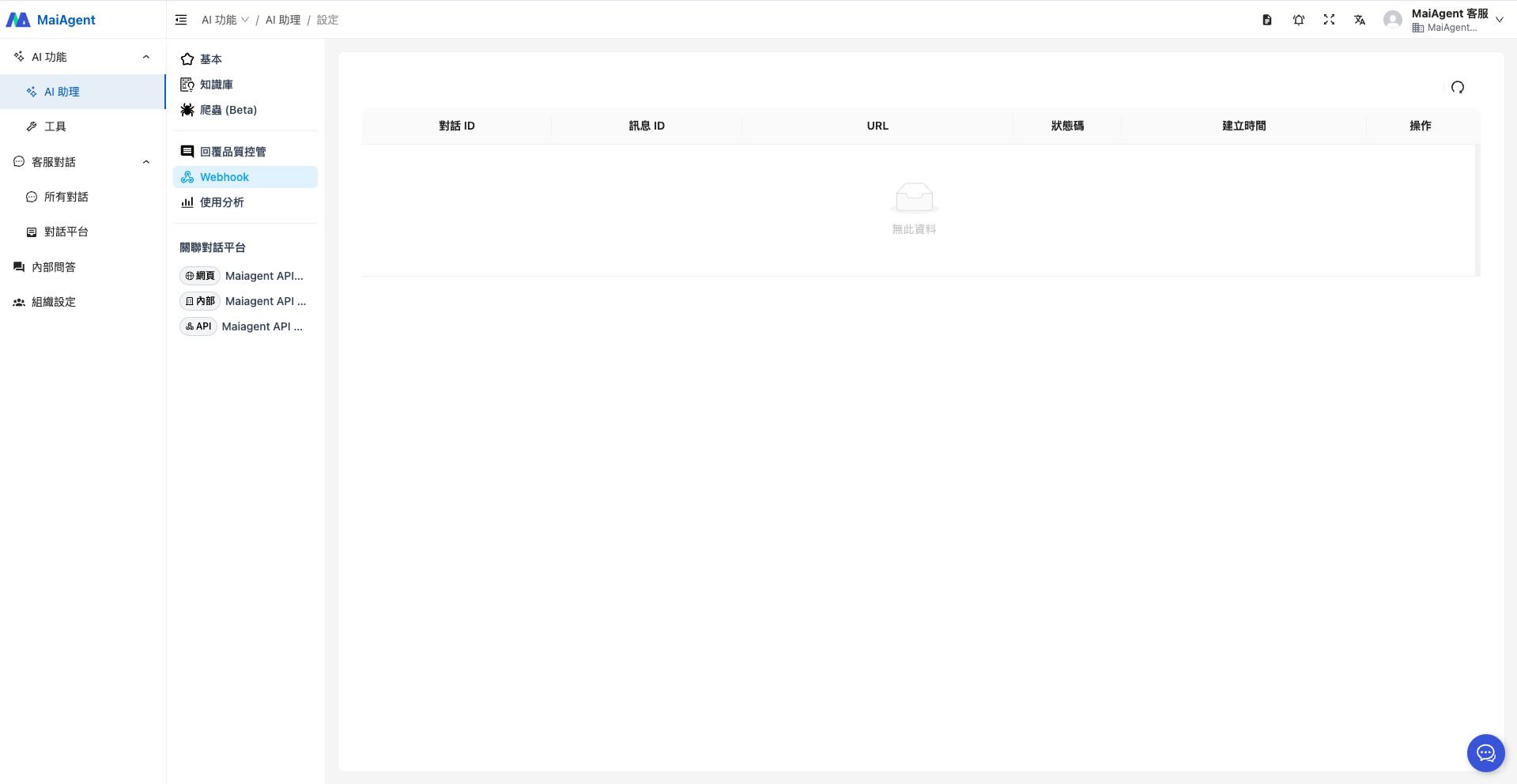
所有這些 Webhook 的傳送紀錄,系統也會幫您集中顯示在這個頁面上,方便您隨時查看、追蹤或排查問題。
{% hint style="info" %}
[如何串接 API?](/tech/api-integration/quickstart.md)
{% endhint %}
## 應用場景
### **客服系統整合**
當 AI 助理回答完用戶問題後,透過 Webhook 將回覆內容同步到企業的客服系統,方便客服人員查看對話紀錄、進行後續處理或人工接手。
### **即時通知推送**
將 AI 助理的回覆或特定事件(如異常狀況)推送至 Slack、Line Notify、Email 等通訊工具,提醒相關人員即時處理。
### **數據分析與記錄歸檔**
自動將所有 AI 對話資料傳送至資料倉儲、雲端資料庫或 Google Sheets,進行使用行為分析、品質評估或建立互動記錄存檔。
### **內部流程自動化**
如使用者透過 AI 助理提報問題、申請資源或回報異常,Webhook 可將這些資料自動串接到內部表單系統、任務管理工具(如 Jira、Notion)進行後續追蹤。
---
# Agent Instructions
This documentation is published with GitBook. GitBook is the documentation platform designed so that both humans and AI agents can read, navigate, and reason over technical content effectively. Learn more at gitbook.com.
## Querying This Documentation
If you need additional information that is not directly available in this page, you can query the documentation dynamically by asking a question.
Perform an HTTP GET request on the current page URL with the `ask` query parameter, and the optional `goal` query parameter:
```
GET https://docs.maiagent.ai/conversations/webhook.md?ask=&goal=
```
`ask` is the immediate question: it should be specific, self-contained, and written in natural language.
`goal` is optional and describes the broader end goal you are ultimately trying to accomplish on behalf of the user. GitBook uses it to tailor the answer towards what is most useful for that goal.
The response will contain a direct answer to the question and relevant excerpts and sources from the documentation.
Use this mechanism when the answer is not explicitly present in the current page, you need clarification or additional context, or you want to retrieve related documentation sections.